PRODUCTIVITY · CATALOG

Automation Tools

A browser-based CSV ⇄ JSON converter plus two dependency-free Python scripts for bulk file renaming and folder organization.

Automation Tools: what's inside

What's included

A CSV ⇄ JSON Converter that runs entirely in your browser — paste data on either side and convert instantly, nothing is uploaded. A Bulk Rename script that renames every file in a folder using a pattern (sequence numbers, original name, extension). An Organize by Extension script that sorts a messy folder, like Downloads, into subfolders by file type.

How it works

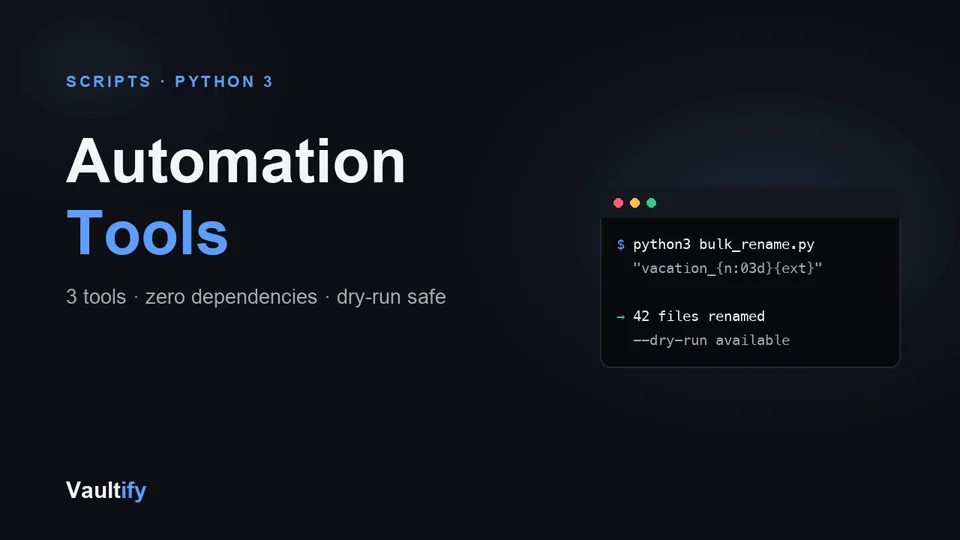
The converter is a single HTML file — open it in any browser, no install needed. Both Python scripts require Python 3 with no external dependencies, and support a --dry-run flag so you can preview exactly what will change before anything happens.

License

Commercial use permitted for unlimited personal and client projects. Redistribution or resale of the tools themselves isn't permitted. Includes free lifetime updates.

Is it right for you?

Great if you're

  • Anyone who regularly renames batches of files, such as photos, scans or exports
  • People whose Downloads folder needs sorting into something usable
  • Anyone who needs to turn CSV into JSON, or back, without uploading data to a website

Not the right fit if

  • You want a no-code app or cloud automation (Zapier, Make): these run on your own computer
  • You've never opened a terminal and don't want to try: two of the three tools are run from one

What you'll be able to do

What's in the download

scripts/bulk_rename.pyRename every file in a folder to a pattern, e.g. vacation_001.jpg
scripts/organize_by_extension.pySort a folder into subfolders by file type
csv-json-converter.htmlA CSV ⇄ JSON converter that runs entirely in your browser
README.mdCopy-paste commands for each tool
CHANGELOG.mdVersion history

What you need

Python 3 for the two scripts (free, Mac, Windows and Linux; no extra packages). The converter only needs a web browser.

Questions buyers ask

Could the scripts delete or overwrite my files?

No. Both scripts skip anything that would overwrite an existing file and tell you, and the rename script refuses to run if two files would end up with the same name. Run with --dry-run first to see exactly what will happen.

Do I need to know Python?

No. You run each script with one command from the README. If you'd like to learn to write scripts like these, the Python Automation for Beginners course builds them step by step.

Is my data uploaded anywhere?

No. The scripts run on your computer and the converter runs in your browser; nothing is sent anywhere.

Does it work on Windows?

Yes, anywhere Python 3 runs. Use python instead of python3 if that's how it's installed.

Stop doing this by hand

Download the tools and automate the boring parts of your workflow.

Buy Now — $19