DESIGN · CATALOG

Icon & Asset Packs

25 hand-crafted line icons, delivered as individual SVG files plus a single sprite sheet. Themeable with currentColor, ready to drop into any project.

Icon & Asset Packs: what's inside

What's included

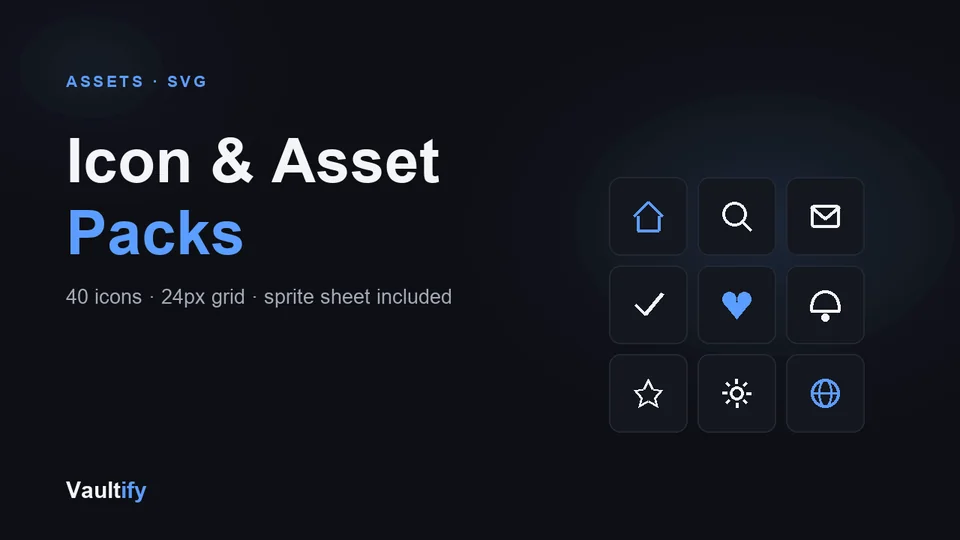
40 icons covering the most common UI needs: navigation, actions, communication, status and commerce. Each one ships as a standalone SVG file, plus a combined sprite.svg for projects that load many icons and want to avoid extra HTTP requests.

Icons included

home, search, settings, user, heart, star, check, close, plus, minus, arrow-right, arrow-left, mail, phone, calendar, clock, download, upload, lock, unlock, trash, edit, share, bell, cart

License

Commercial use permitted for unlimited personal and client projects. Redistribution or resale of the pack itself isn't permitted. Includes free lifetime updates.

Is it right for you?

Great if you're

  • Anyone building a website or app who needs a matching set of interface icons
  • Developers who want icons that change colour with their text, without editing files
  • Designers who want clean SVGs they can drop into Figma or code

Not the right fit if

  • You need thousands of icons or brand logos: this is a focused set of 40 interface icons
  • You want filled or multi-colour illustrations: these are line icons

What you'll be able to do

What's in the download

svg/home.svg40 individual SVG icons in svg/, one file each
sprite.svgAll 40 icons in one sprite, for a single request
preview.htmlEvery icon shown live, with size and colour controls
README.mdThree ways to use them, with copy-paste examples
CHANGELOG.mdVersion history

What you need

Any website, app or design tool that accepts SVG, including Figma, which imports SVG files directly.

Questions buyers ask

Which icons are included?

Navigation (home, menu, search, arrows, chevrons…), actions (add, edit, delete, copy, download, share…), interface (settings, user, bell, calendar, cart…) and status (lock, eye, info, alert, globe). The full list is in the README.

Can I change the stroke colour?

Yes, without editing anything. Every icon uses currentColor, so it takes the text colour of whatever it sits in.

Can I use them in Figma?

Yes. Drag the SVG files into Figma and they import as editable vectors.

Can I see them first?

Yes, the free preview on this site shows a selection of the icons at real size.

Need consistent icons fast?

Download the pack and drop them straight into your project.

Buy Now — $15