DESIGN · CATALOG

LinkedIn Carousel Templates

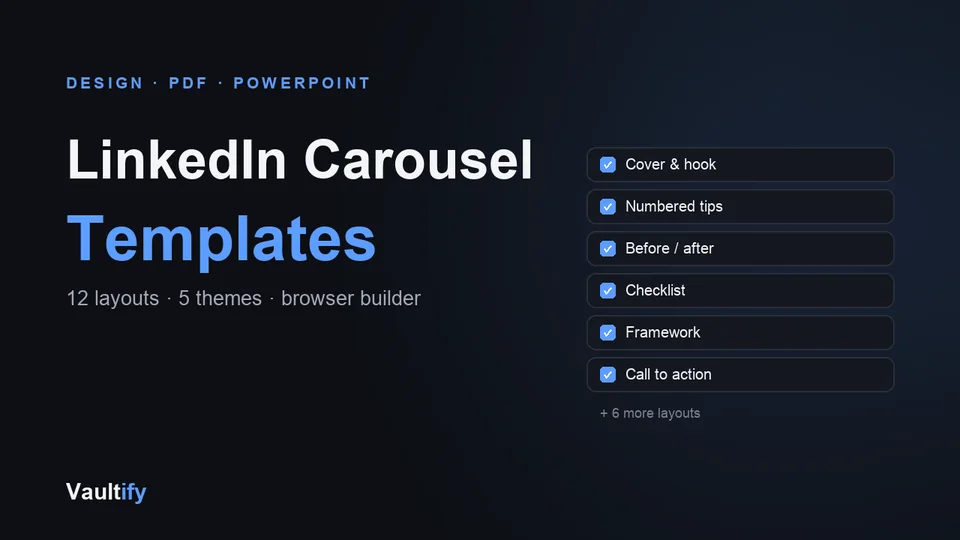
Carousels are some of the most-saved posts on LinkedIn. 12 slide layouts, a builder that runs in your browser and exports a ready-to-upload PDF, plus editable PowerPoint templates.

LinkedIn Carousel Templates: what's inside

What's included

Carousel builder: a single HTML file you open in your browser. Click any text to edit it, add, duplicate and reorder slides, choose from five themes or any accent colour, set your name and slide numbers, then save a 1080 × 1350 PDF ready to upload. Your work saves automatically, and you can save project files to reopen later.

12 layouts: cover, problem, numbered tip, before/after, checklist, key line, big number, steps, framework, mistake vs fix, summary and call to action. PowerPoint templates: the same layouts as 24 editable slides in navy and white, for PowerPoint, Keynote, Google Slides or Canva. Plus a finished example carousel and a writing guide on structure, word counts and posting.

How it works

Open the builder, replace the example text, click Save as PDF, and upload it to LinkedIn as a document post. Prefer slides software? Duplicate the layouts you need in the PowerPoint file and export as PDF. No design skills or accounts needed.

License

Use the templates for your own posts and for carousels you make for clients. Reselling or redistributing the templates themselves isn't permitted. Includes free lifetime updates.

Is it right for you?

Great if you're

  • Anyone who wants to post LinkedIn carousels without learning design software
  • Freelancers and creators who want a consistent, professional look
  • People who already use PowerPoint, Google Slides or Canva and want ready layouts

Not the right fit if

  • You need animated or video carousels: these are PDF document posts
  • You want hundreds of designs: this is a focused set of 12 layouts done well

What you'll be able to do

What's in the download

carousel-builder.htmlBrowser builder: 12 layouts, 5 themes, PDF export, project files
carousel-templates.pptxThe 12 layouts as 24 editable slides, in navy and white
example-carousel.pdfA finished 12-slide example using every layout
carousel-writing-guide.mdHow to structure, write and post a carousel
README.mdBoth ways to use the templates, step by step

What you need

A modern web browser (Chrome, Edge, Safari or Firefox) for the builder. For the PowerPoint file: PowerPoint, Keynote, Google Slides or Canva.

Questions buyers ask

How do I post a carousel on LinkedIn?

Export a PDF, then in the post composer choose to add a document and upload it. The writing guide walks you through it.

Does it work with Canva?

Yes: import the PowerPoint file into Canva. Fonts may be swapped for similar ones, so check each slide. Or skip Canva entirely and use the builder.

Do I need design skills?

No. The layouts handle spacing, sizes and colours. You type the words.

Can I see the slides first?

Yes. The free preview shows six slides from the example carousel.

Post carousels people save

12 layouts, a PDF builder and PowerPoint templates.

Buy Now — $19