PRODUCTIVITY · CATALOG

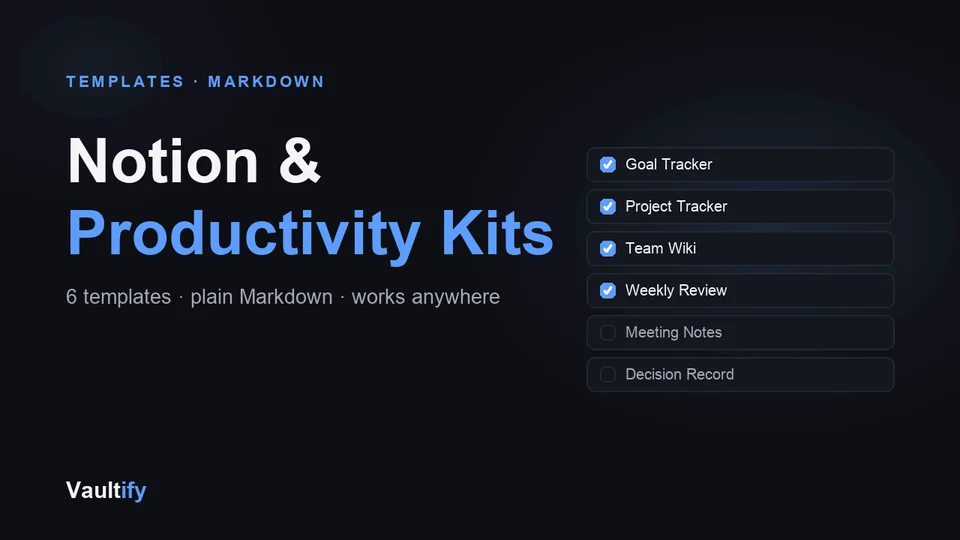
Notion & Productivity Kits

Six plain-Markdown templates for tracking goals, projects, meetings and decisions — paste straight into Notion, Obsidian, or any markdown tool.

Notion & Productivity Kits: what's inside

What's included

Goal Tracker — quarterly OKRs with scoring guidance, personal goals, a monthly retro and an end-of-cycle review, with a full worked quarter filled in. Project Tracker — status board, per-project breakdown with an explicit “not doing” scope line, a risk table, weekly check-ins and a close-out section for finished and abandoned projects alike. Team Wiki — communication norms, meeting inventory, onboarding checklist, incident process, decision-rights table and page ownership. Weekly Review — a 30-minute ritual with a monthly rollup. Meeting Notes — before/during/after, decisions with rationale, actions with owners. Decision Record — lightweight ADRs with a worked example. Every template carries guidance on how to use it, not just its structure.

How it works

Each template is plain markdown. Paste it into a Notion page and Notion automatically converts the tables, checkboxes, and headings into native blocks — no import plugin needed. Works identically in Obsidian, Coda, or any markdown-based tool.

License

Commercial use permitted for unlimited personal and team workspaces. Redistribution or resale of the templates themselves isn't permitted. Includes free lifetime updates.

Is it right for you?

Great if you're

  • Freelancers and small teams who want a simple system for goals, projects and meetings
  • Notion or Obsidian users who'd rather not design their workspace from scratch
  • Anyone who's tried a productivity app and wants something they'll actually keep using

Not the right fit if

  • You want a complex, automated Notion dashboard with formulas and relations
  • You need a full project-management tool with timelines and integrations

What you'll be able to do

What's in the download

templates/goal-tracker.mdQuarterly OKRs with scoring, a retro and a worked example
templates/project-tracker.mdStatus board, risks, check-ins and close-outs
templates/team-wiki.mdNorms, onboarding, incidents and decision rights
templates/weekly-review.mdA 30-minute weekly ritual with a monthly rollup
templates/meeting-notes.mdBefore, during, after: decisions and owned actions
templates/decision-record.mdLightweight decision records, with a worked example
preview.htmlA preview of the templates
README.mdHow to import into Notion and other tools

What you need

Notion, Obsidian, Bear, Logseq or any editor that reads Markdown. No plugins or paid plan needed.

Questions buyers ask

How do I get them into Notion?

In Notion choose Import → Text & Markdown and pick a file. Tables come in as tables, and you can turn any of them into a database for board views.

Are they empty templates?

No. Each one includes guidance on how to use it, and the goal, project and decision templates include worked examples filled in with realistic data.

Can my team use them?

Yes. The licence covers unlimited personal and team workspaces.

Get organized in minutes

Download the kit and start tracking your next project today.

Buy Now — $12