LEARNING · CATALOG

Build Your First Website

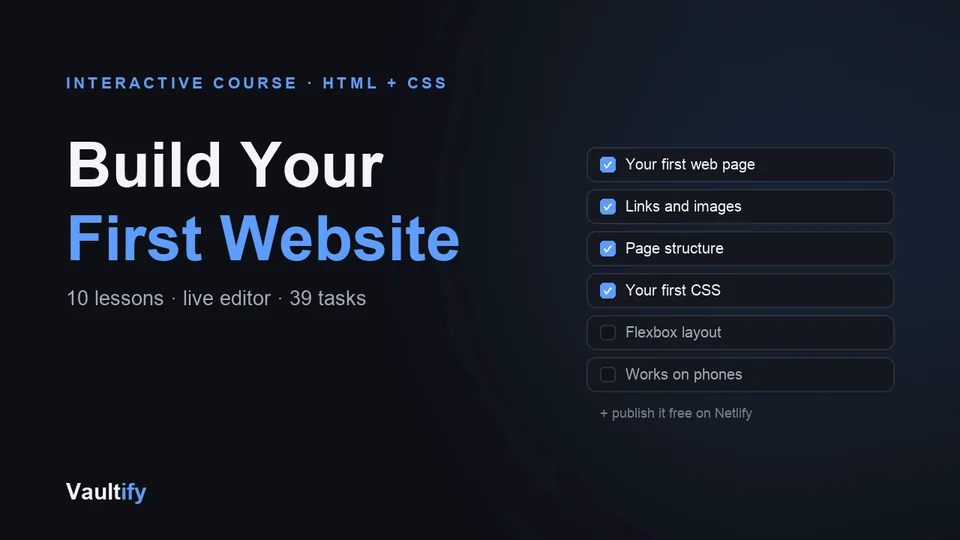
An interactive HTML & CSS course. Type in the live editor, watch the preview update, and see your tasks tick off as you get them right. By lesson ten you've built — and published — your own website.

Build Your First Website: what's inside

What's included

Ten lessons: your first web page; headings, lists and links; images and alt text; page structure with header, nav, main and footer; your first CSS; the box model; classes and reusable styles; layout with Flexbox; making it work on phones; and your finished site, with step-by-step instructions to publish it free on Netlify.

Every lesson has a live code editor beside the explanation, tasks that check your code automatically — 39 in all — and a short quiz. Your progress and code are saved as you go.

How it works

One HTML file that opens in any browser and works offline — nothing to install, no account. Read a short explanation, edit the code on the left, and the preview on the right updates as you type. When a task is done it ticks itself off; finish them all and the lesson is marked complete.

No experience needed. When you're done, the UI Template Pack and Landing Page Kit make sense in a whole new way — you'll know how to change anything in them.

License

Personal use — work through the course and use what you build in your own projects. Reselling or redistributing the course itself isn't permitted. Includes free lifetime updates.

Is it right for you?

Great if you're

  • Complete beginners who want to build a website themselves
  • Freelancers and small-business owners who want to edit their own site
  • Anyone who's watched coding videos but never actually built anything

Not the right fit if

  • You already know HTML and CSS well
  • You want to learn JavaScript or a framework: this course covers HTML and CSS

What you'll be able to do

What's in the download

course.htmlTen lessons, each with a live editor, auto-checked tasks and a quiz
README.mdHow the course works
CHANGELOG.mdVersion history

What you need

Any modern web browser (Chrome, Safari, Edge or Firefox) on a laptop or desktop. Nothing to install, no account, and it works offline.

Questions buyers ask

Do I need any experience?

None. Lesson 1 starts with your first heading, and every lesson builds on the last.

How does the code checking work?

Each lesson has tasks like "give the image alt text". As you type, the course checks your code and ticks off each task when it's right, 39 tasks in all.

Can I do it on a phone?

It works on a phone, but typing code is much easier on a laptop or desktop.

Can I try it first?

Yes. The first two lessons run free on the preview page, exactly as in the course.

Build it, then publish it

Ten lessons, a live editor, and your own website at the end.

Buy Now — $29