PRODUCTIVITY · CATALOG

Content Planner

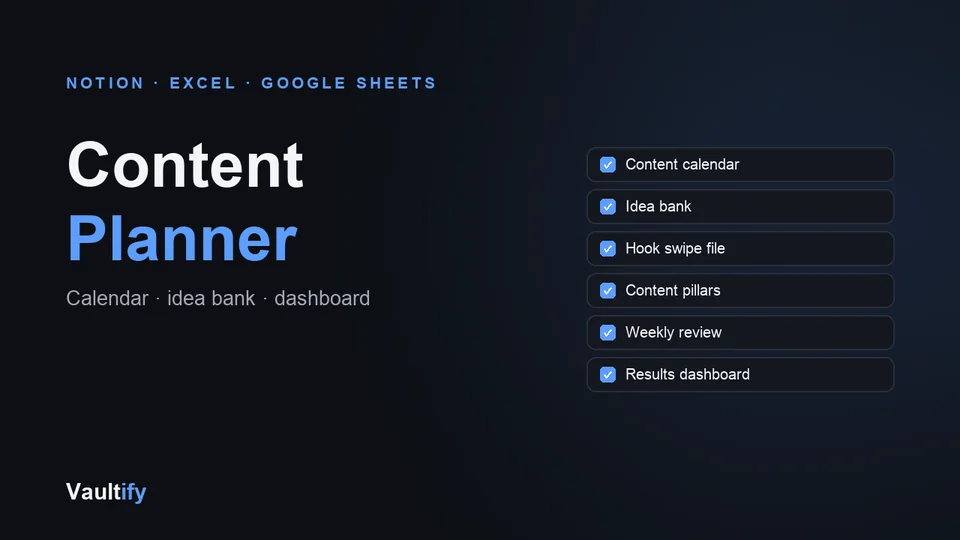
Plan, write and review your LinkedIn and X posts in one place: a content calendar, idea bank, hook swipe file and weekly review, for Notion or as a spreadsheet with a dashboard that calculates itself.

Content Planner: what's inside

What's included

Notion edition: five databases to import (content calendar, idea bank, hook swipe file with 25 starter hooks, content pillars and weekly review), a step-by-step setup guide covering property types and the views that make it useful, a 30-minute weekly planning ritual and a monthly review template.

Spreadsheet edition for Excel and Google Sheets: a calendar with dropdowns for status, platform, pillar and format and rows colour-coded by status, and a dashboard that calculates posts published, average comments and saves, results by pillar and platform, and your most-commented post. Plus ideas, hooks, pillars and weekly-review sheets.

How it works

Use whichever tool you already live in. Notion users import the CSVs and follow the 15-minute setup guide; everyone else opens the workbook. Then spend 30 minutes a week planning, and fill in the numbers after you post: the dashboard shows what's working.

License

Use the planner for your own content and for clients whose content you manage. Reselling or redistributing the planner or its templates isn't permitted. Includes free lifetime updates.

Is it right for you?

Great if you're

  • Anyone posting on LinkedIn or X who wants a simple, repeatable routine
  • Notion users who want a ready-made content system
  • Spreadsheet people who want a dashboard without building one

Not the right fit if

  • You want a tool that publishes posts for you: this plans and tracks, you post
  • You need team approvals and client sign-off workflows

What you'll be able to do

What's in the download

notion/Start Here.mdStep-by-step Notion setup: import, property types and views
notion/Content Calendar.csvPosts with status, platform, pillar, format, hook, date and results
notion/Idea Bank.csvIdea capture with priority and status
notion/Hook Swipe File.csv25 starter hooks with examples, plus room for your own
notion/Content Pillars.csvFour pillars and what each is for
notion/Weekly Review.csvOne row a week: best post and next week's focus
notion/Weekly Planning Ritual.mdThe 30-minute weekly routine
notion/Monthly Review.mdMonthly review template
spreadsheet/content-planner.xlsxExcel / Google Sheets workbook with dropdowns and a self-calculating dashboard

What you need

Notion (free plan is fine), or Excel or Google Sheets. You only need one of them.

Questions buyers ask

Do I need Notion?

No. The spreadsheet edition has the same system and works in Excel or Google Sheets.

Does the dashboard work in Google Sheets?

Yes. Upload the workbook to Google Drive and open it with Google Sheets; the formulas are standard ones that both programs support.

Is it hard to set up in Notion?

About 15 minutes. You import five CSV files, then set a few property types; the Start Here guide shows each step.

Can I see it first?

Yes. The free preview shows the calendar's structure, what the dashboard tracks and the weekly planning ritual in full.

Know what to post next, and what's working

Notion and spreadsheet editions, in one download.

Buy Now — $12